

Windows 10 End of Support: What It Means and What You Should Know

With only 3 months left, Microsoft will officially end support for Windows 10 on October 14, 2025. Users are encouraged to upgrade to Windows 11 or consider alternate solutions to stay secure and compatible.
Now, what exactly does this mean?
-
- • Your PC will still work but if something goes wrong Microsoft won’t provide customer support
- • Security updates will stop, leaving your PC vulnerable to threats
- • Microsoft won’t fix bugs and technical issues
- • Newer software and devices may stop working correctly with Windows 10
What if I want to keep Windows 10?
Microsoft offers consumers with an Extended Security Updates (ESU) program, but to enroll, you need to meet specific requirements. ESU helps protect your device from malware and cybersecurity attacks but does not provide other types of fixes, improvements, or technical support.
How much does Consumer ESU cost?
ESU has free and paid options:
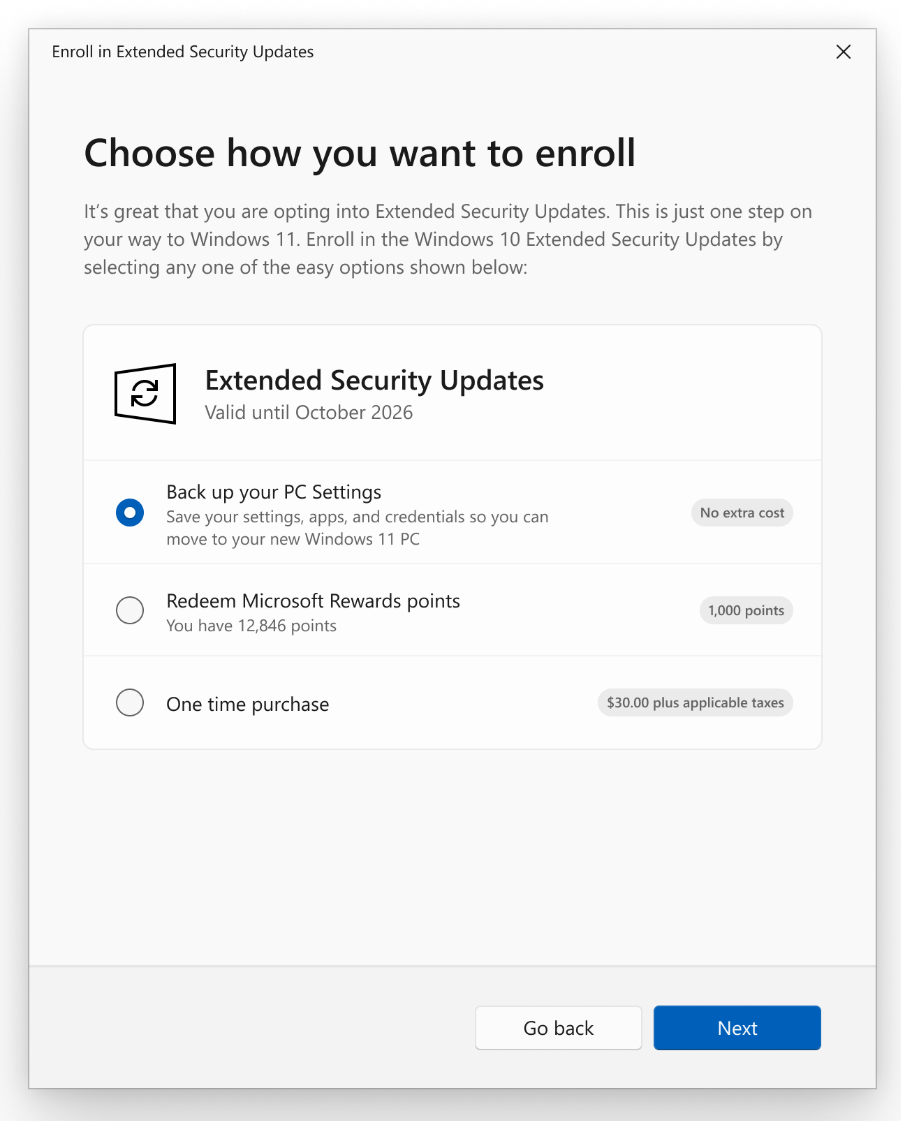
• At no additional cost, if you are syncing your PC settings
• Redeem 1,000 Microsoft Rewards Points
• One-time purchase of $30 USD or local currency equivalent plus tax
Note that the cost is cumulative, and to continue security updates after year one, you need to pay twice the amount.
Sign into your Microsoft account to enroll into ESU and maintain security updates through October 13, 2026. You can use your existing ESU license on up to 10 devices
Can I upgrade to Windows 11?
For most users, upgrading to Windows 11 is the next best long-term solution. Microsoft offers a free upgrade for eligible Windows 10 users.
If you received a notification on your PC about upgrading directly to Windows 11, you’re eligible. To check go to Start > Settings > Update & Security > Windows Update and select Check for updates.
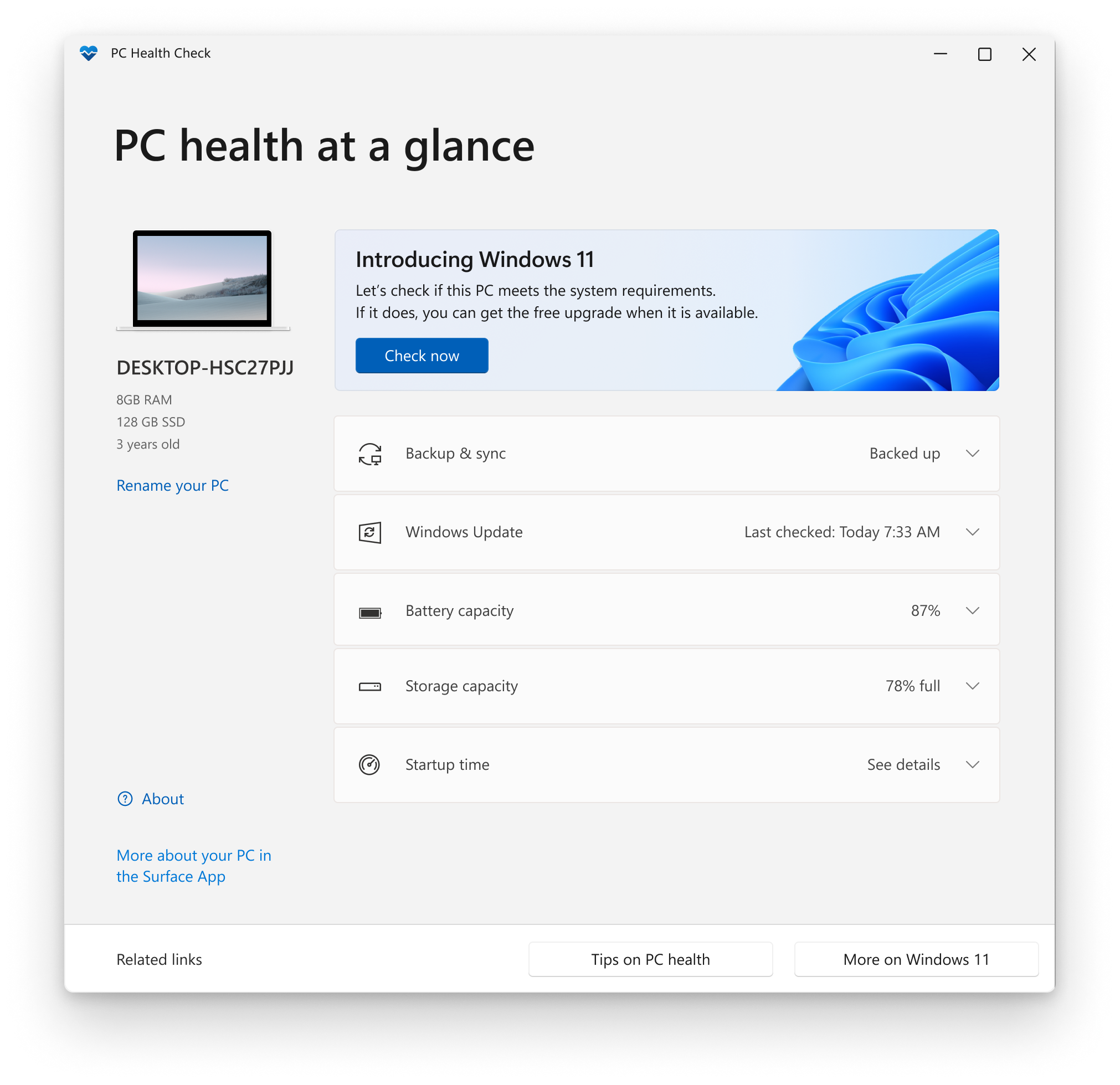
Windows 11 has stricter requirements than Windows 10, and older computers may not qualify. Another way to check your PC’s eligibility is to download Microsoft’s PC Health Check Tool, but if you want the in-depth list, Microsoft provides the full device requirements.
What if I can’t upgrade to Windows 11?
This means that your device may not meet the technical requirements to run on Windows 11, and it’s recommended you purchase the Extended Security Update (ESU) program to continue protecting your PC or replace the device with one that supports Windows 11.
However, the Extended Security Updates (ESU) program is primarily targeted toward businesses and enterprises and comes at a cost of $61 per device for the first year and increases cumulatively for a max of three years. For consumers, it will cost $30 for one year of extended security updates.
Keep in mind: this option only provides access to essential security updates. You will not receive new features, bug fixes, or customer support.
Windows Enterprise long-term servicing channel (LTSC) devices have the option of receiving monthly quality updates.
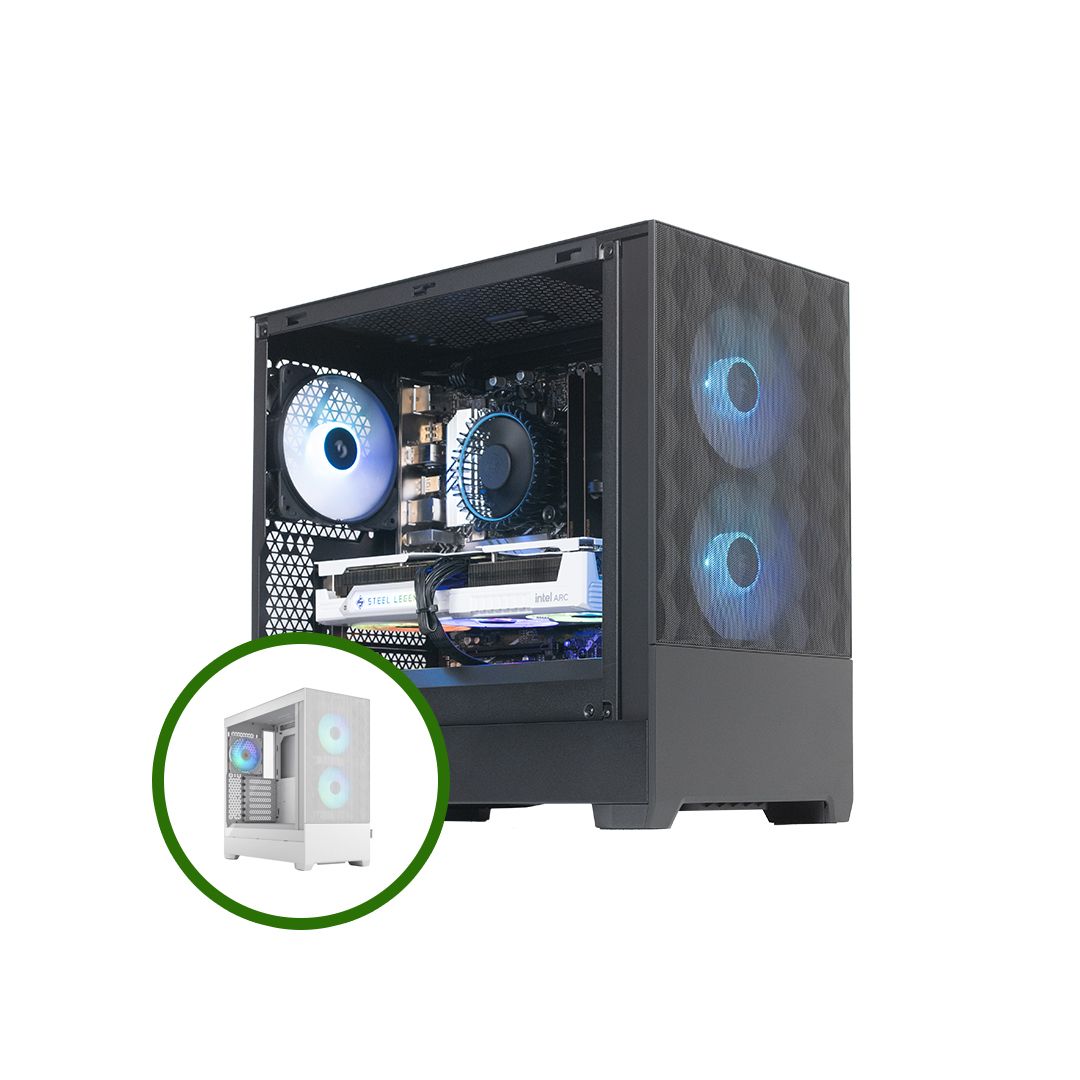
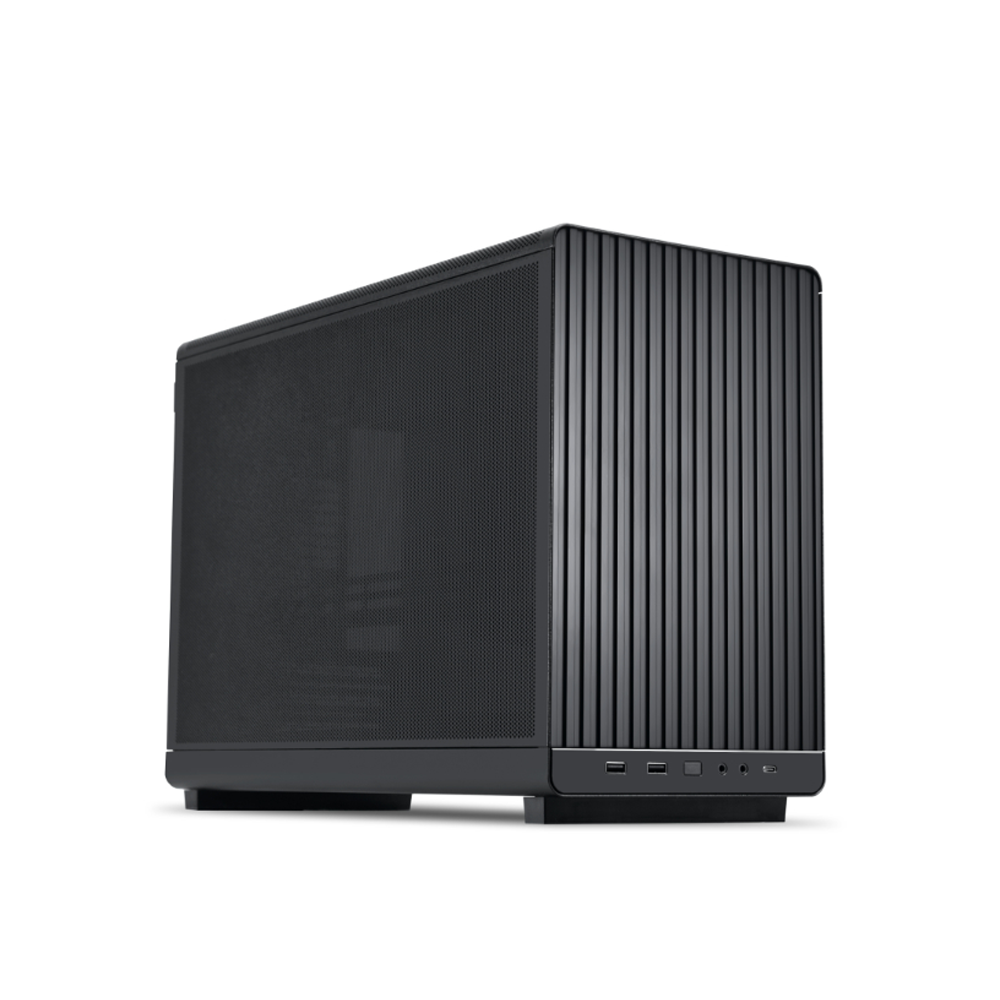
If you can’t upgrade, the next best option is to buy a new device with Windows 11 pre-installed for full support and security. While it may be a higher upfront cost, you’ll have a secure, fully supported, and reliable PC for years to come.
What do I do next?
First, check what version of Windows you’re running. Simply press the Windows key + R, type winver, and hit Enter.
Then, run the PC Health Check Tool from Microsoft or check eligibility requirements to determine if your device is compatible with Windows 11.
If eligible, plan your upgrade. It’s free and best done before the October deadline.
If not, assess your situation. Can I afford to run an unsupported operating system? Am I willing to risk potential security breaches? Do I rely on regular updates, patches, or tech support?
Check out Microsoft’s Windows 10 End of Support FAQ page for more details. And if you have any additional questions, need help upgrading, or are ready to explore a new Windows 11 PC, you can always drop by your local Central Computers store. We’re here to help you transition smoothly and quickly.




Please complete your information below to login.
Sign In
Create New Account